
Start with the job your app needs to do
“Event planning” can mean several very different things. A dinner with friends needs fast coordination. A wedding needs months of shared decisions and several related events. A public workshop may need registration, payments, and check-in.
That is why there is no honest single winner for every event. The best event planning app is the one built around the part of your event that is actually difficult.
| App | Best for | What it centers |
|---|---|---|
| Gatherory | Shared planning around an event | Event-linked ideas, team input, sub-events, invitations, and costs |
| Apple Invites | Polished invitations in the Apple ecosystem | Invitation design, RSVPs, shared albums, and playlists |
| Partiful | Casual parties and social events | Shareable invitations, reminders, guest interaction, and photos |
| Zola | Wedding planning and registry | Website, checklist, guests, invitations, vendors, and registry |
| Joy | Wedding websites and guest communication | Website, invitations, guest list, schedule, travel, and registry |
| Eventbrite | Public or ticketed events | Registration, promotion, payments, reporting, and check-in |
Gatherory: best for planning with your people
Gatherory is designed for the work that happens before and after an invitation is sent. Its iPhone planning views are Home, Ideas, Decide, and Manage. One workspace connects the main event, sub-events, ideas, people, and recorded costs.
Decide collects each eligible planner’s Pass, Maybe, or Love It response. Approval is separate; an approved Event idea with a date can appear on Home. Collaborator links support configurable access and approval, while guests receive the shared invitation and RSVP experience without planning tabs.
The iPhone beta is open through TestFlight. Visit the iPhone page to join; beta access is separate from an App Store release.
It is a strong fit when:
- two or more people are actively shaping the event;
- ideas need a visible decision instead of disappearing in a group chat;
- a wedding, trip, celebration, or weekend includes several connected events;
- hosts, collaborators, and guests should have different levels of access; or
- the plan needs to stay understandable from an iPhone.
Gatherory is less focused on public ticket sales and event discovery. If your primary job is selling admission to a broad audience, a registration platform is a better starting point.
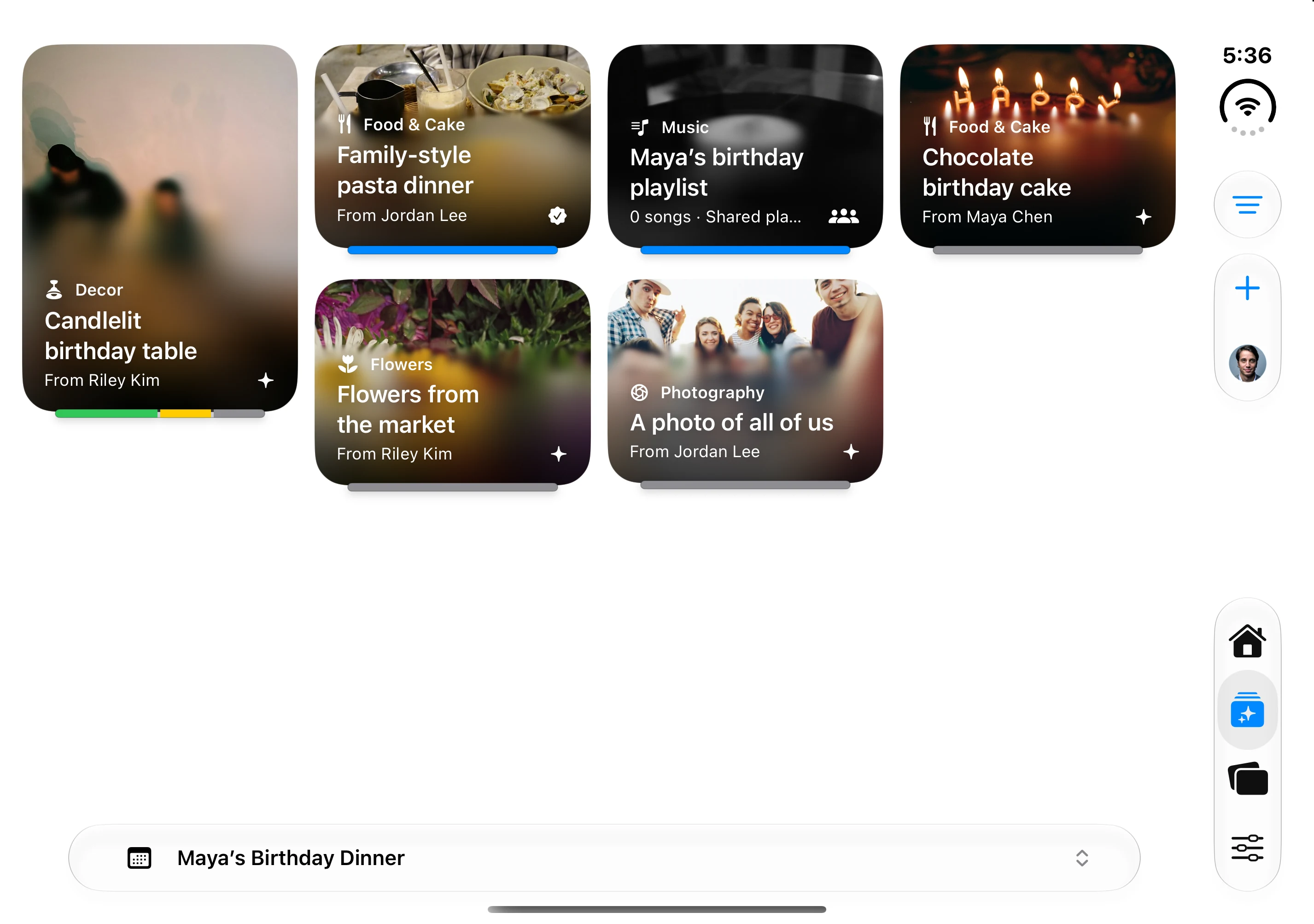
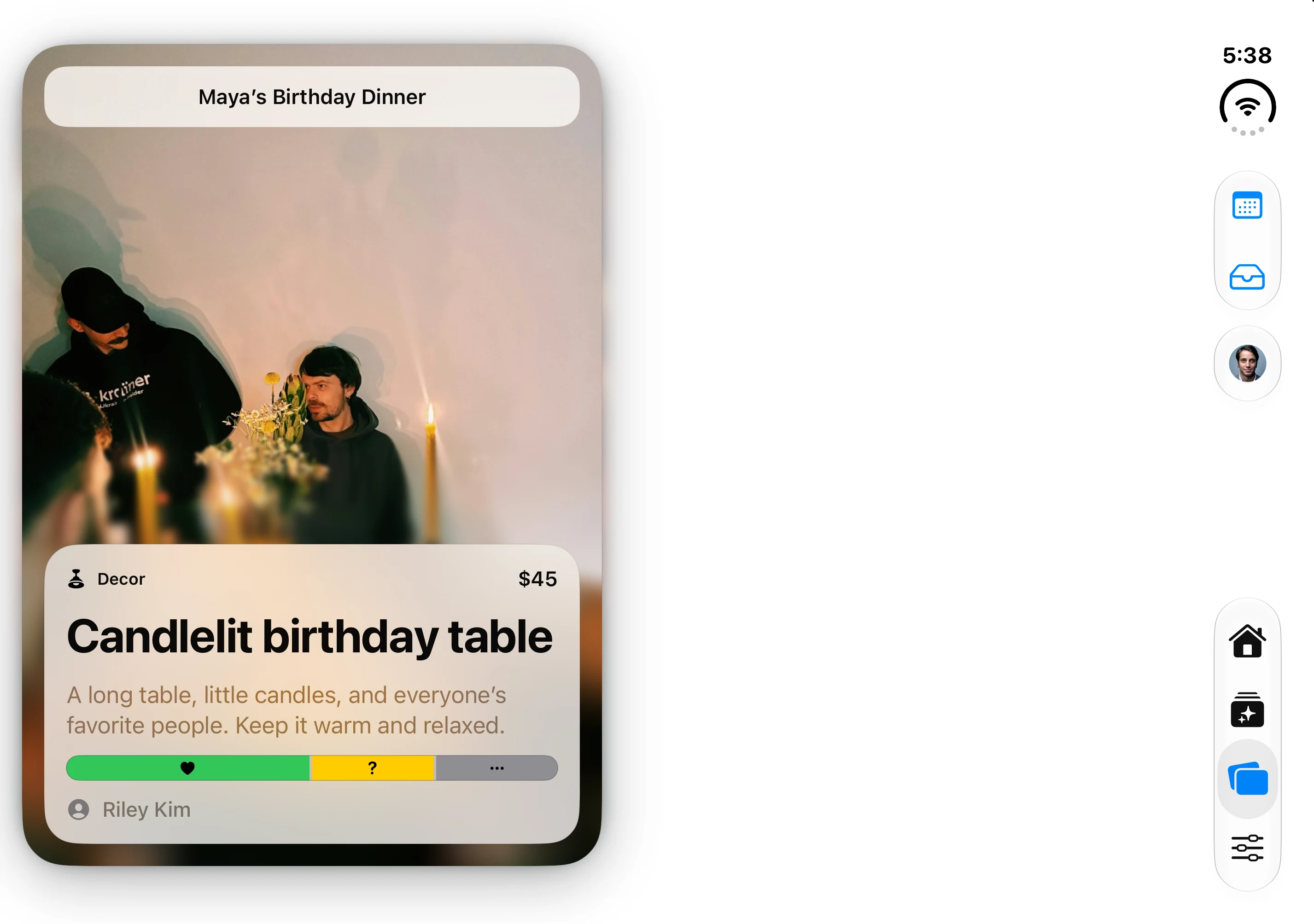
The native app’s fictional Maya’s Birthday Dinner fixture; idea cards and contributors are demonstration data.
Apple Invites: best for an Apple-native invitation
Apple Invites combines invitation creation, link sharing, RSVPs, Shared Albums, and Apple Music playlists. Hosts need iCloud+ to create invitations, while guests can respond on the web without an Apple Account or Apple device.
It works well when the invitation itself is the center of the experience and the planning is already mostly settled. It is not intended to replace a deeper collaborative workspace for evaluating venues, collecting ideas, allocating budgets, or coordinating several planning events.
Partiful: best for casual social events
Partiful is built around a shareable event link, RSVPs, reminders, guest visibility, updates, and post-event photos. Guests do not need the app to respond, which can reduce friction for parties and informal gatherings.
Partiful is a natural choice when you want to publish the invite quickly and keep guests engaged. If a small planning circle needs to compare ideas and make decisions privately before the guest experience is ready, you may want a planning-first tool instead.
Zola: best for an all-in-one wedding suite
Zola combines a wedding website, checklist, guest list, invitations and paper, vendor discovery, budgeting, and a registry. That wedding-specific breadth is useful for couples who want one established ecosystem for both planning and guest-facing details.
The tradeoff is focus: many of Zola’s strongest features revolve around the wedding marketplace, website, and registry. Couples who want a quieter shared planning space centered on their own ideas and related events may prefer a different shape.
Joy: best for a wedding website and guest journey
Joy brings together a wedding website, invitations, guest list, RSVPs, schedules, travel information, messaging, and registry tools. It is particularly useful when the guest-facing website is the primary source of truth.
Joy and Zola overlap, so compare the website designs, registry experience, guest communication, and the planning tools you will use every week—not just the feature count.
Eventbrite: best for public and ticketed events
Eventbrite is designed for organizers who need public event pages, promotion, registration, ticket types, payments, reporting, and on-site check-in. It is a substantially different category from a private planning workspace.
Choose it for classes, conferences, community events, performances, and other events where acquiring and processing attendees is central. For a private gathering, that machinery may be more than you need.
Questions to use when comparing apps
This is a workflow comparison from Gatherory, not an independent hands-on ranking. Product summaries link to official sources. Use these five questions when evaluating your own shortlist:
- What is the product’s center of gravity? Planning, invitations, weddings, or ticketing?
- Who has to use it? One host, a planning circle, invited guests, or the public?
- How much guest friction exists? Can someone respond from a link, or do they need an account or app?
- Does it support the full shape of the event? One invitation, or a main event with related moments and decisions?
- What will still be useful after the invitation is sent? A plan should remain useful while details change.
Feature lists change. Before committing, verify current availability, pricing, platform support, and regional limitations on each product’s official site.
The simplest way to choose
Write down the one part of planning that currently creates the most confusion. If it is “we cannot keep our ideas and decisions together,” choose a planning-first app. If it is “we need everyone to RSVP,” choose an invitation tool. If it is “we need a wedding website and registry,” choose a wedding suite. If it is “we need to sell and scan tickets,” choose a registration platform.
The clearest tool is not necessarily the one with the most features. It is the one that gives your event a stable center.