
One big plan.
all your own.
Bring your ideas, everyone’s preferences, and the details into one shared plan. Add photos that make the birthday dinner, its related moments, and every idea feel like yours.
Join the iPhone betaBeta available through TestFlight · English & Spanish
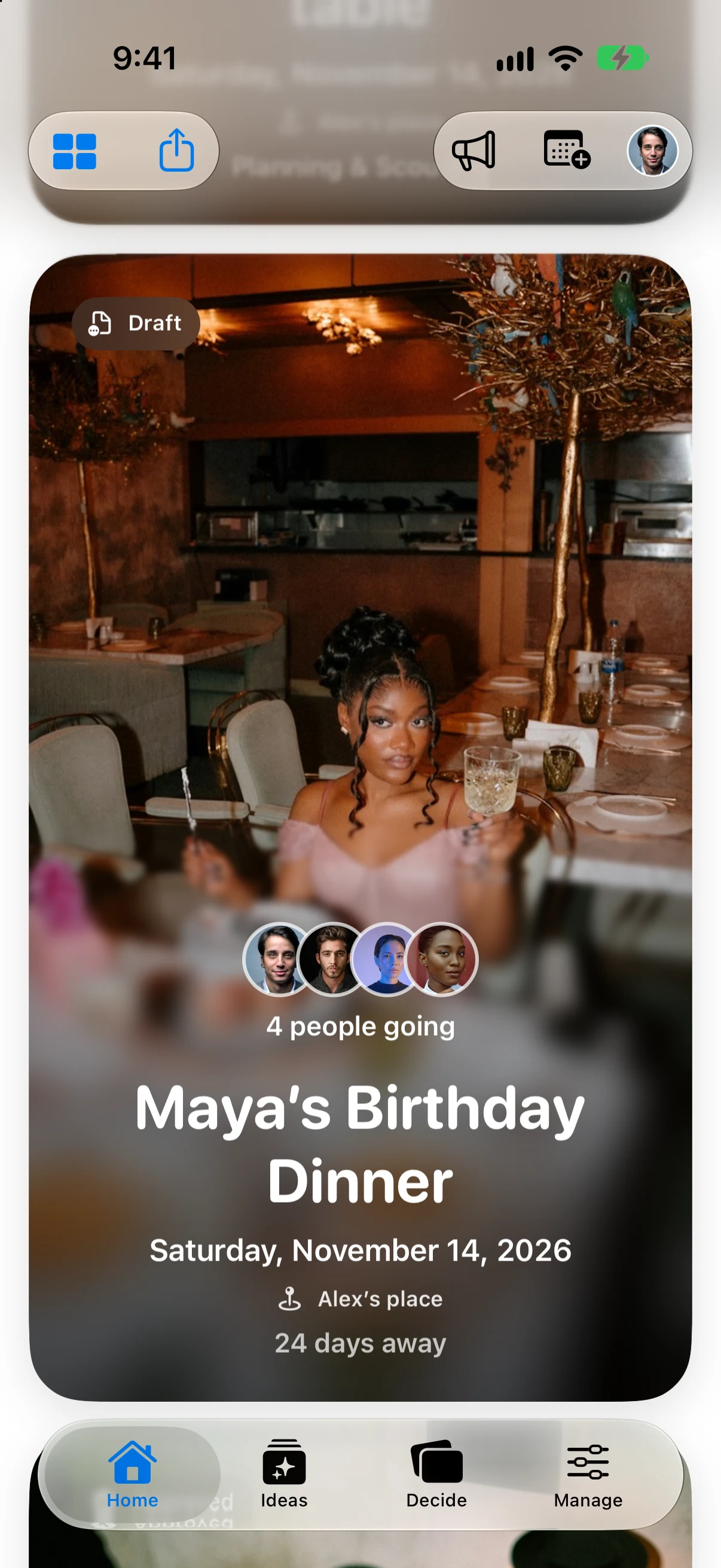
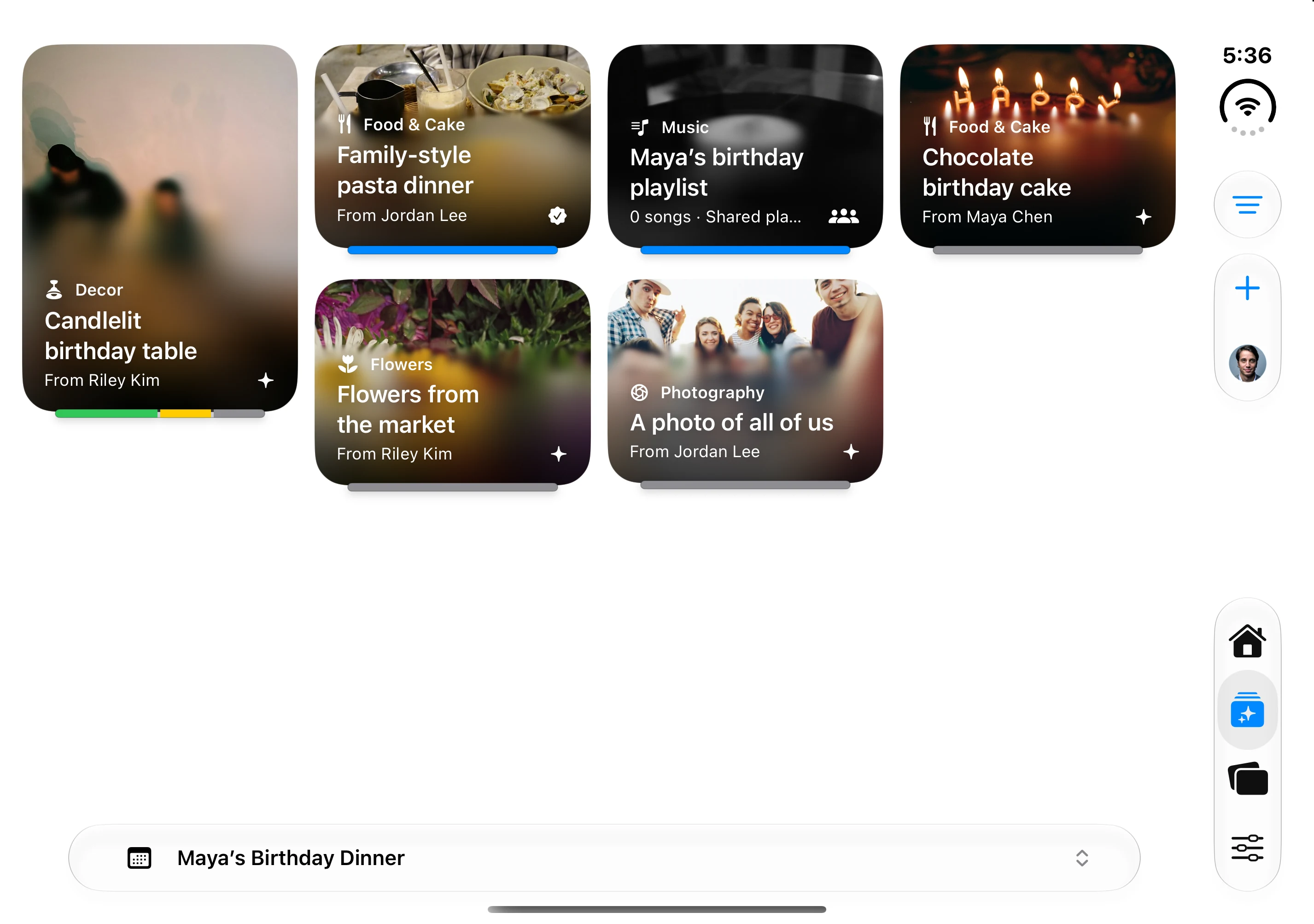
Make every part feel like you.
Give events and ideas their own photos, then bring the people, choices, and details together.
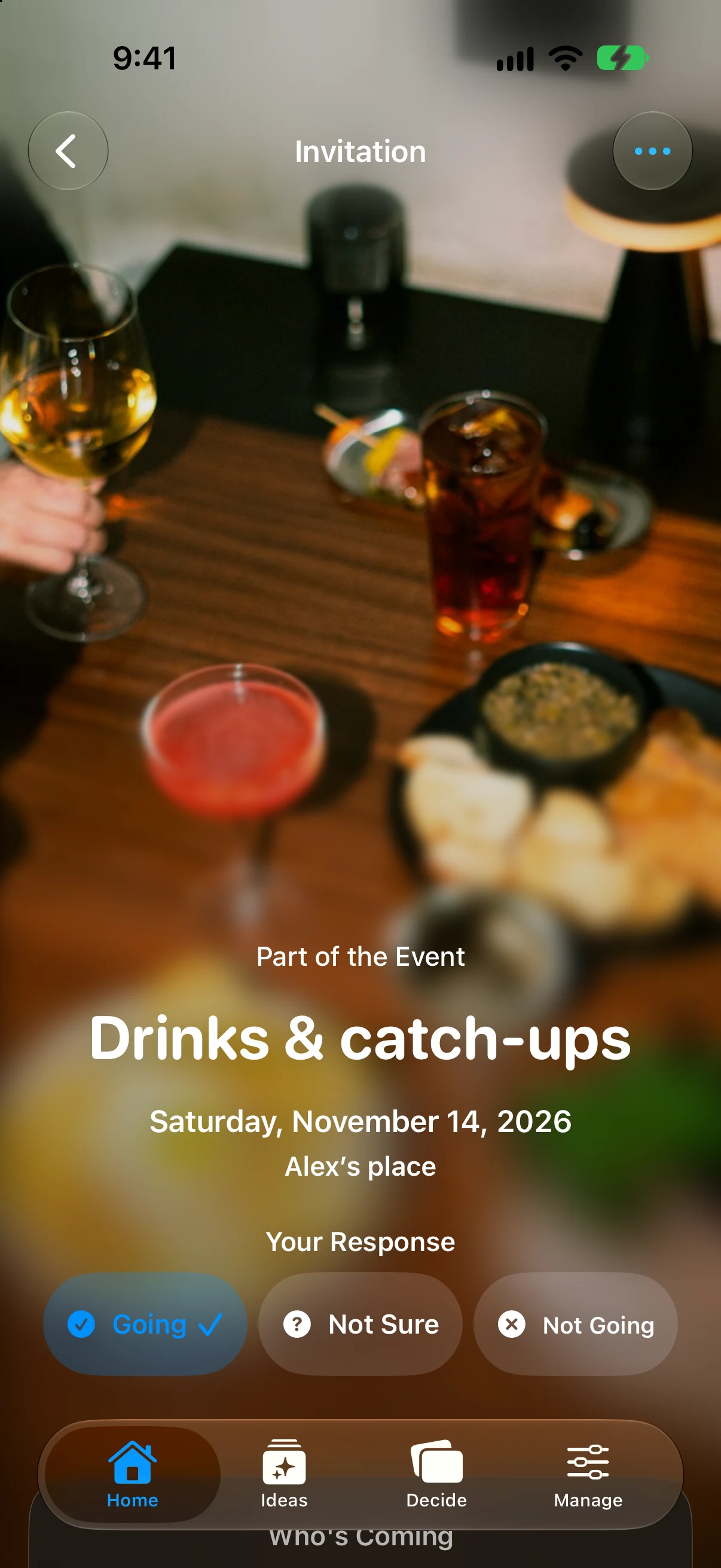
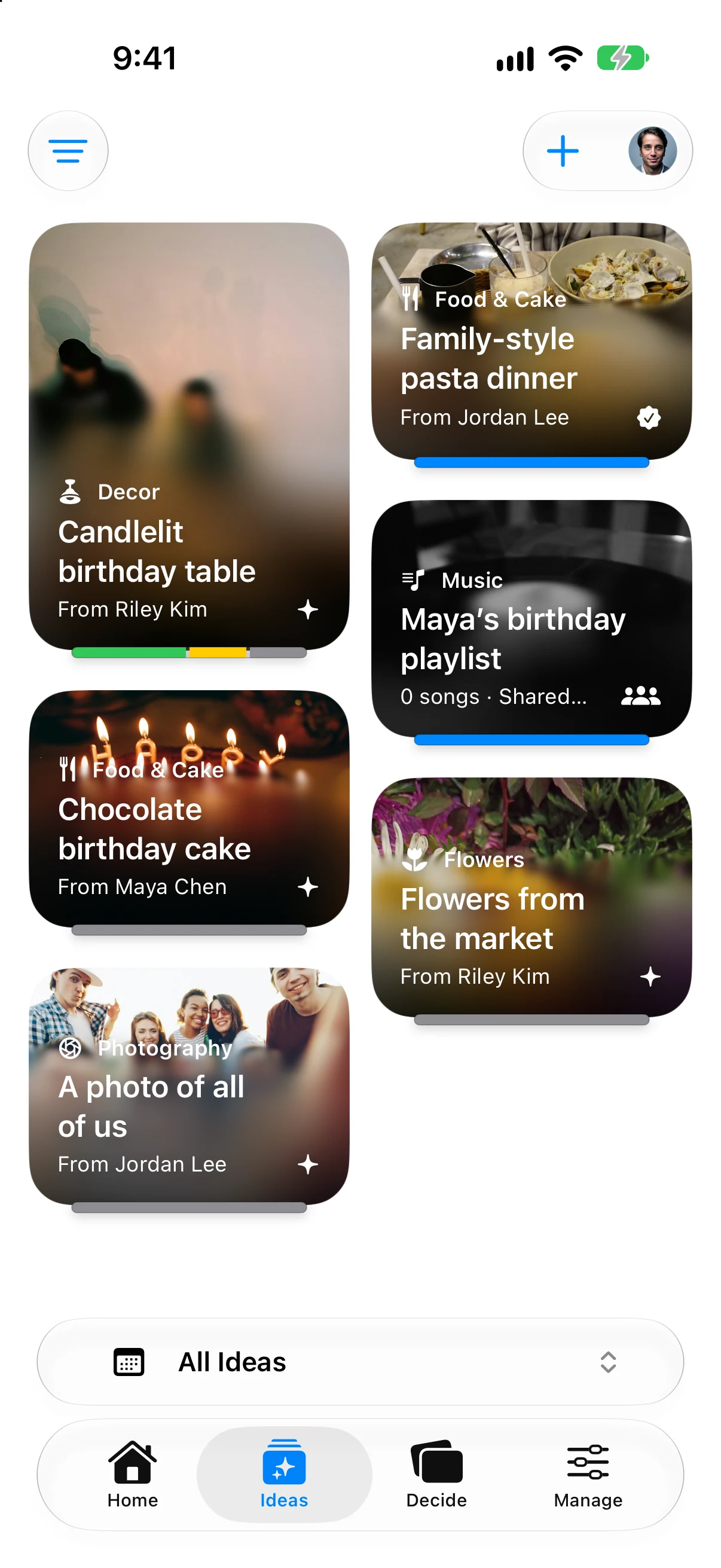
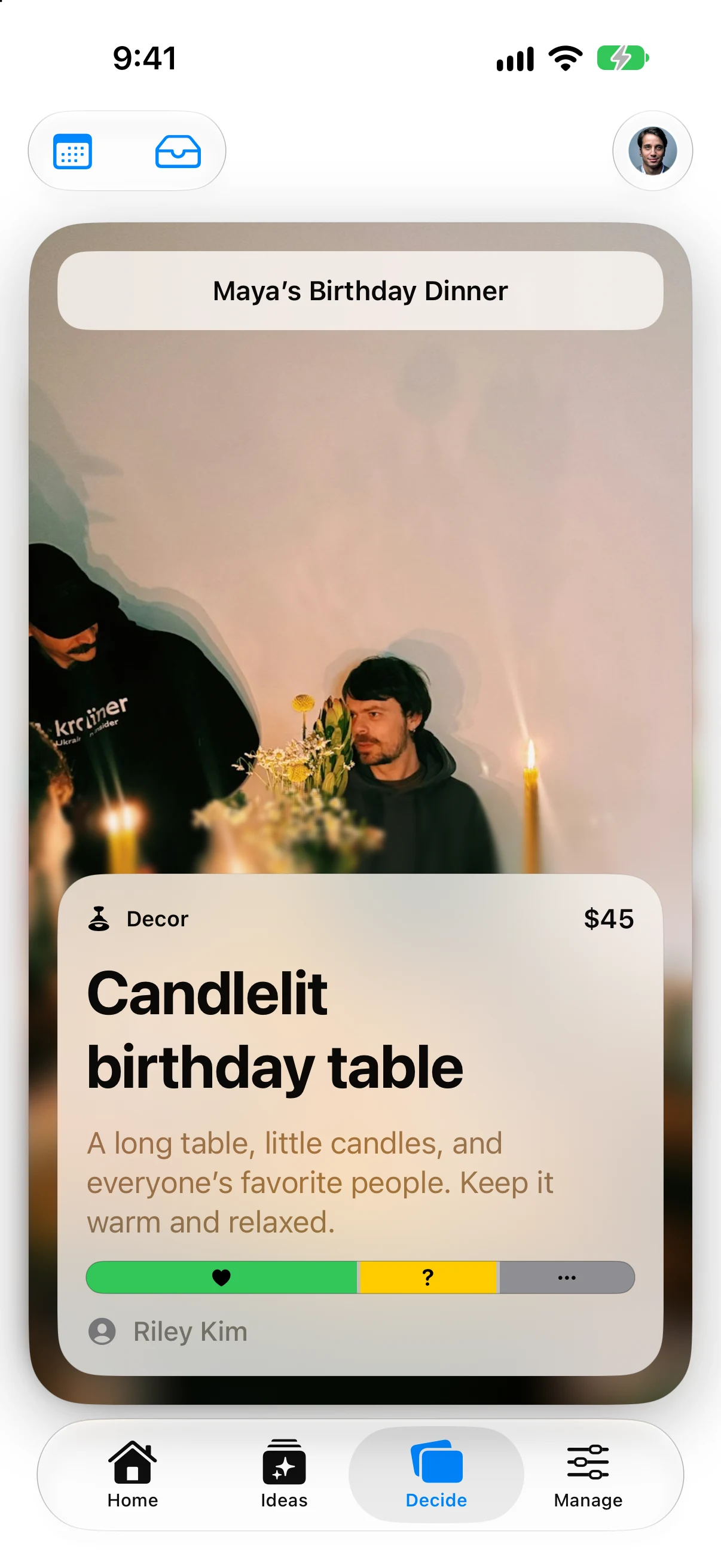
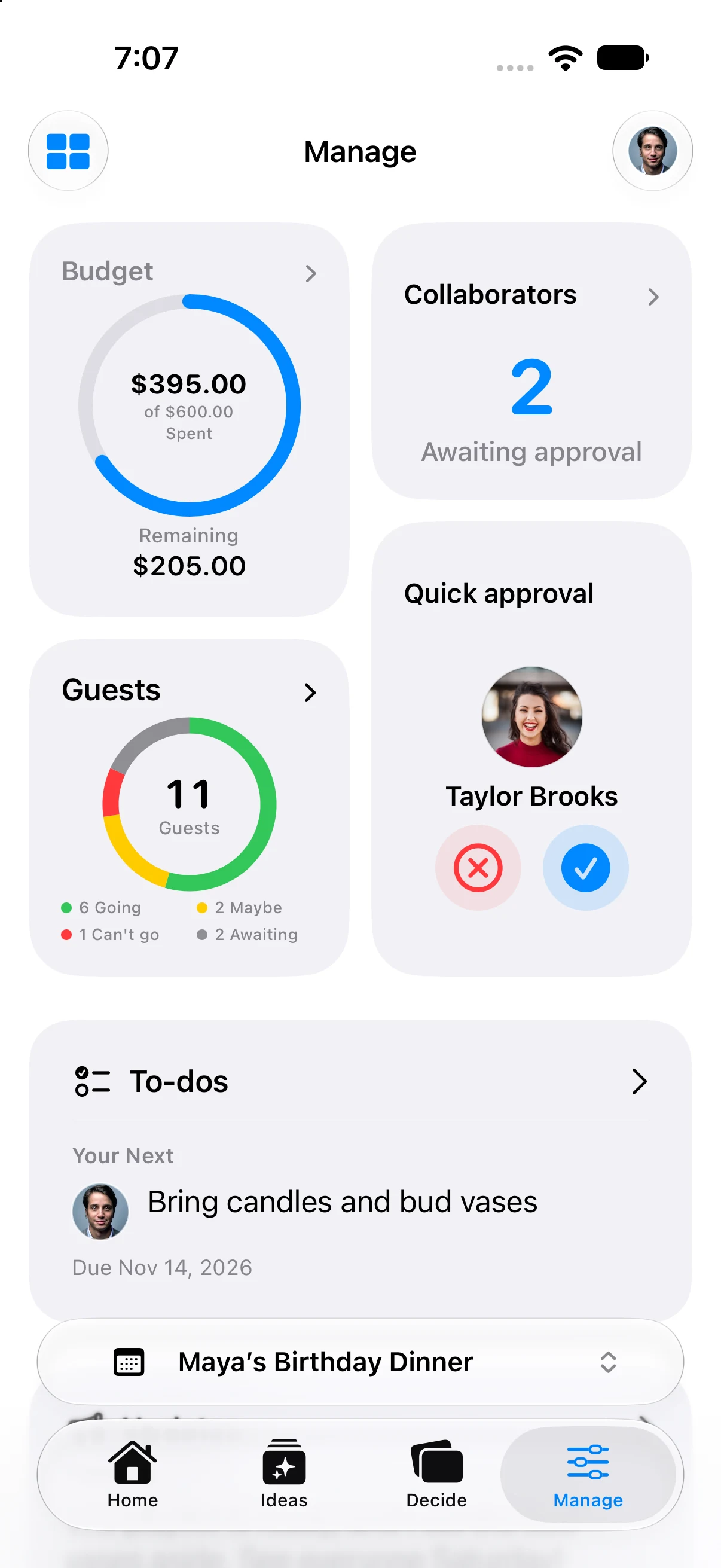
Gatherory on iPhone and iPhone Duo with example event content. Join the beta to try the app with your own plans.
Good ideas don't wait for Wi-Fi.
Keep working with plans saved on your iPhone when you're offline. Reconnect to sync shared changes and see updates from your planning group.
Sharing and syncing need an internet connection.
Before the celebration.
How do I join the beta?
Open the beta link on your iPhone, install Apple’s TestFlight app if prompted, then accept the invitation and install Gatherory. You can send feedback from TestFlight as you try it.
Who is Gatherory for?
People planning birthdays, dinners, and celebrations with friends, partners, or family. Start with your ideas, then bring the people helping you host into the plan.
Can my planning group use Android?
The planning app is built for iPhone. Browser guest RSVP and an Android planning app are not part of the initial release.
Is Gatherory available in Spanish?
The iPhone app supports English and Spanish. You can also explore this preview in either language using the language links above. The screenshots currently show the English app.
Help shape Gatherory.
Plan a real gathering, try the app with your people, and send feedback through TestFlight.
Join on TestFlightOpen the link on your iPhone. Apple will guide you through TestFlight and installation.


Keep me in the loop.
Not ready to try the beta? Leave your email for Gatherory launch updates. No account needed.