
Decide together, then shape the plan.
Everyone can choose Love It, Maybe, or Pass. See the group’s preferences, then approve ideas separately for the plan.
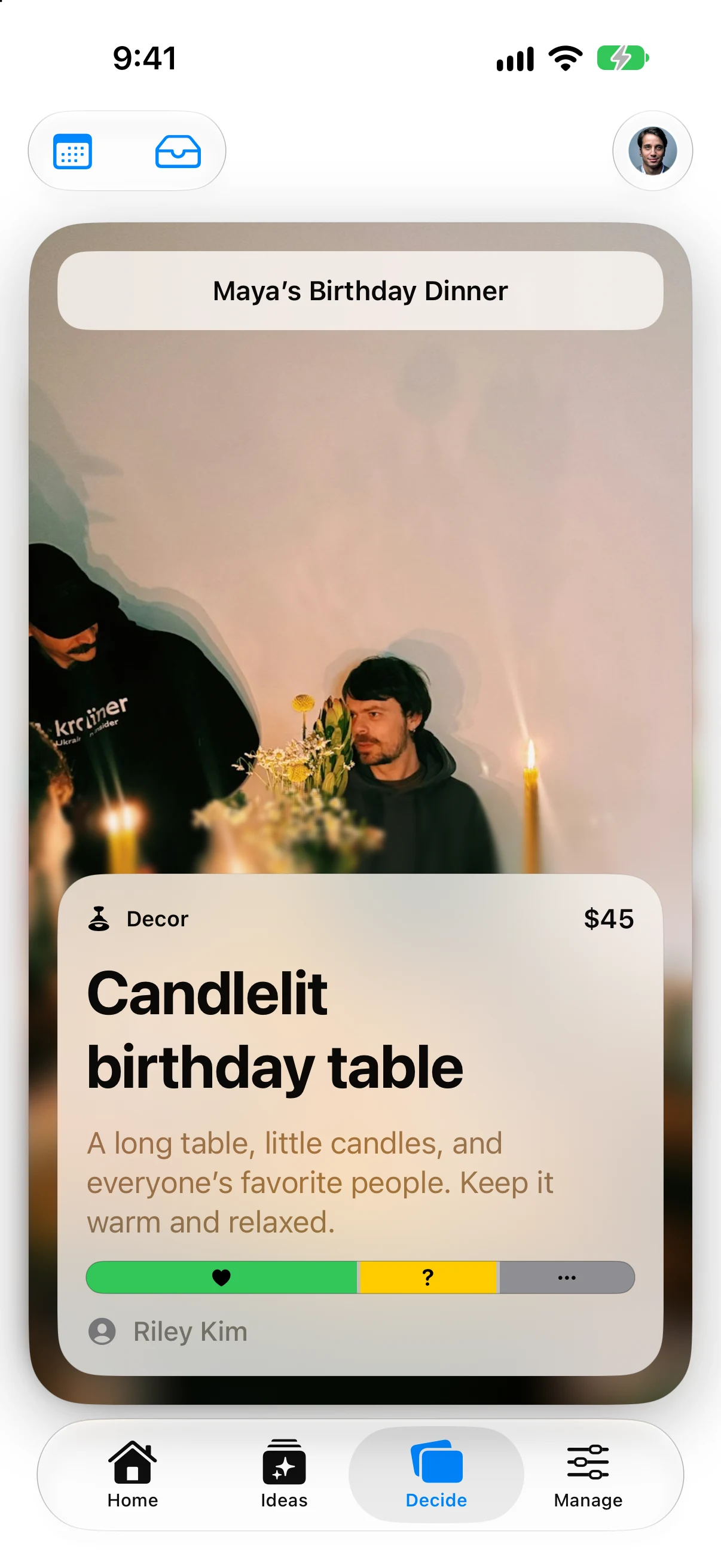
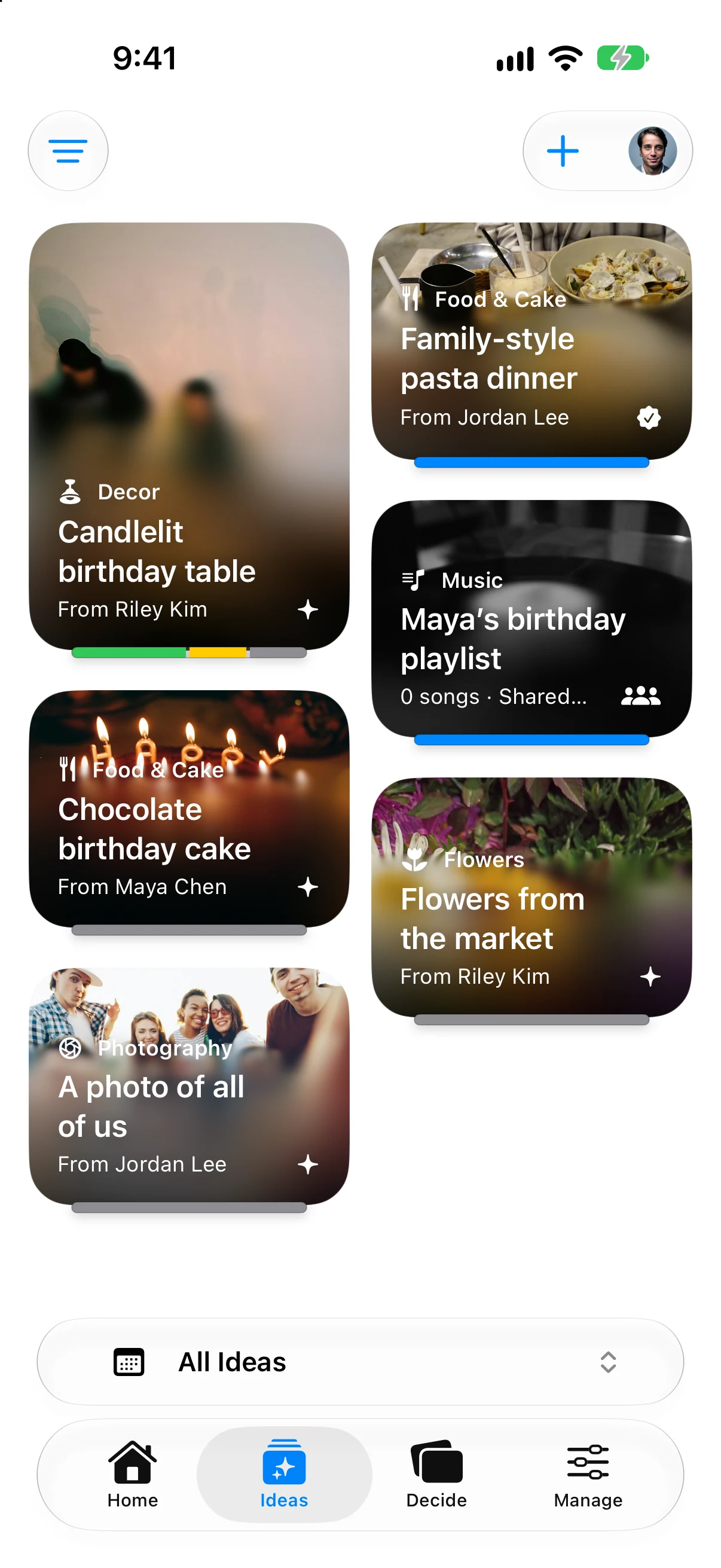
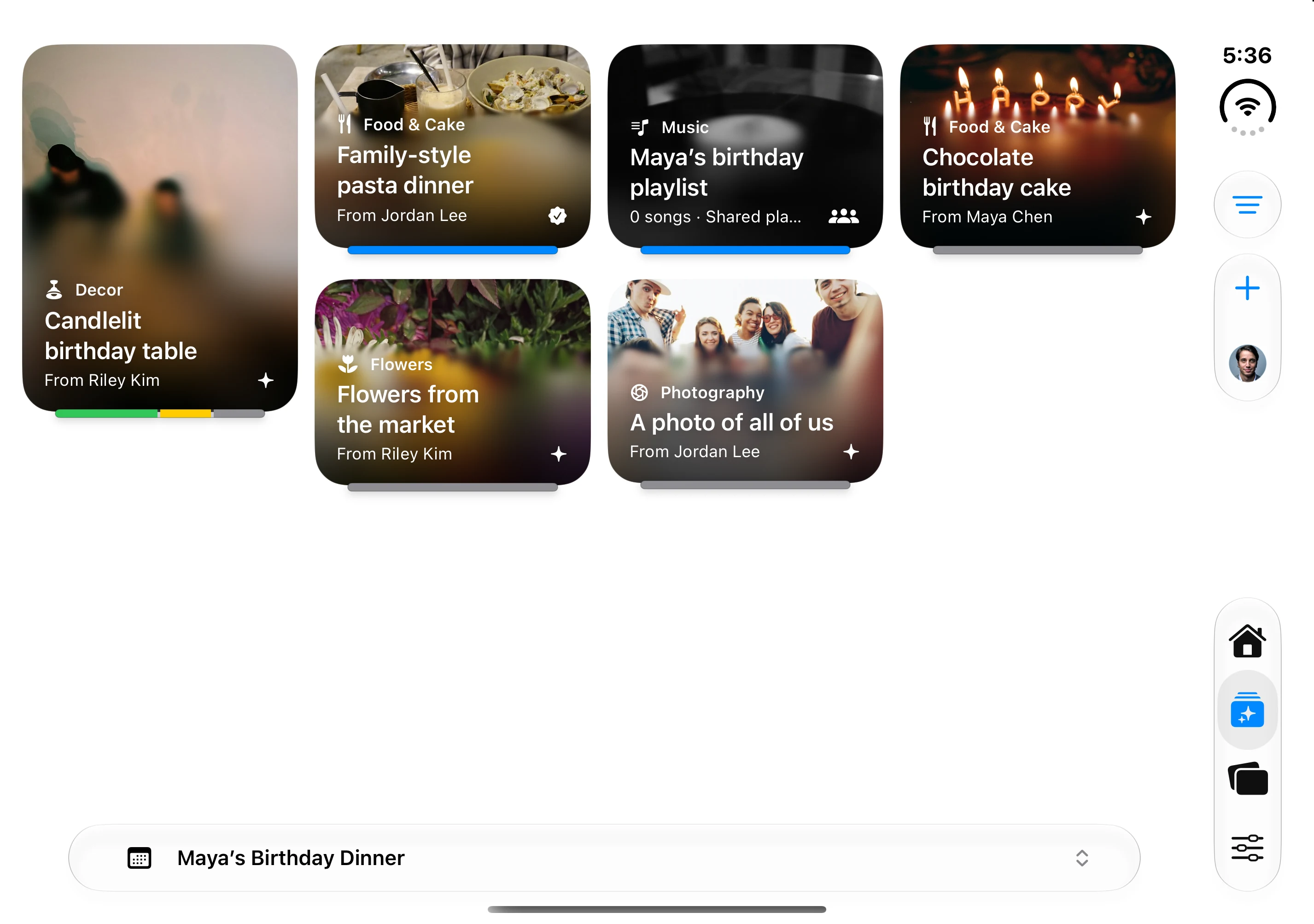
Bring your ideas, everyone’s preferences, and the details into one shared plan. Add photos that make the birthday dinner, its related moments, and every idea feel like yours.
iPhone beta now open · English & Spanish
Good company. Shared plans.
You don’t have to carry every detail.
Everyone can choose Love It, Maybe, or Pass. See the group’s preferences, then approve ideas separately for the plan.
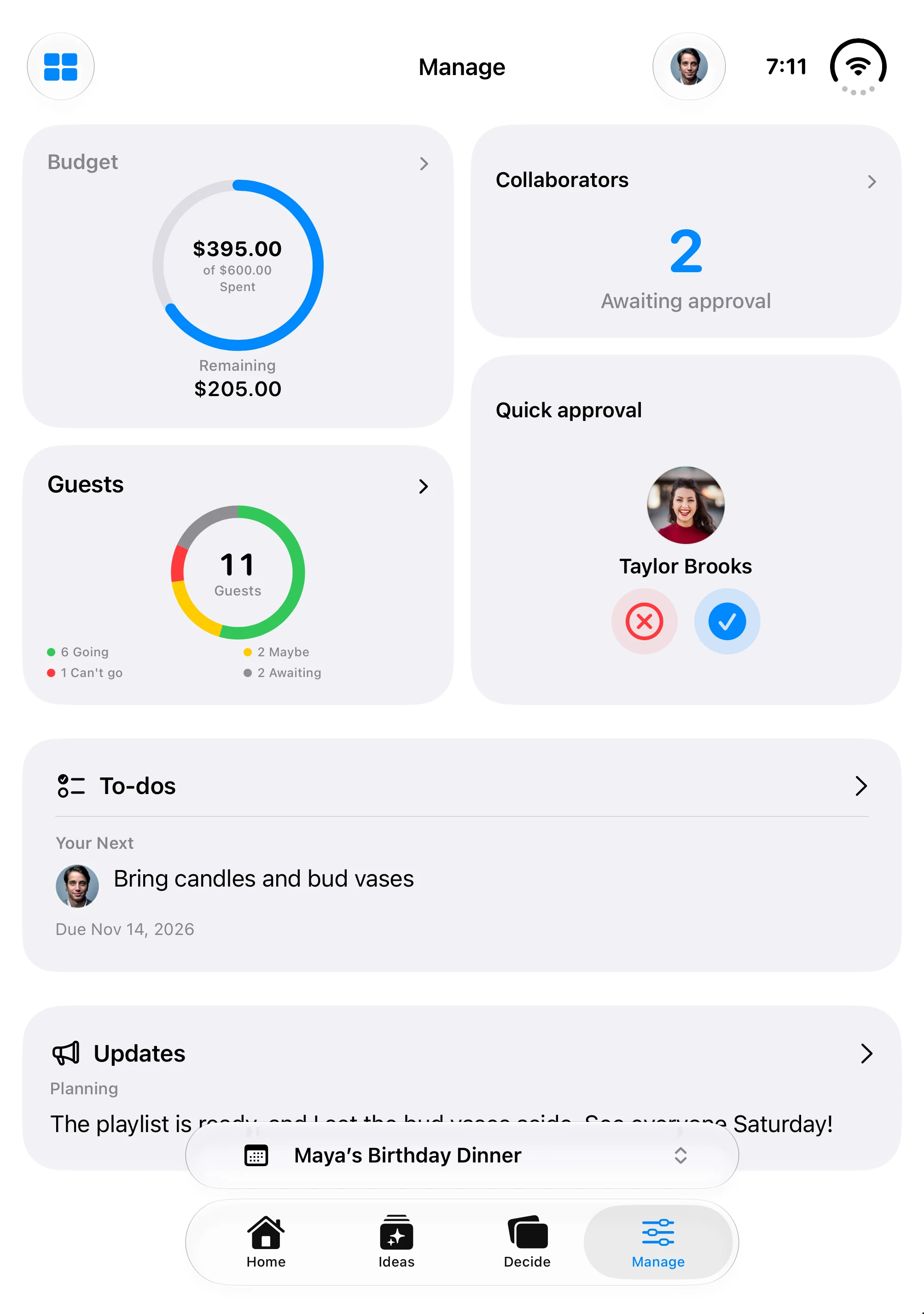
Keep your budget, guest responses, approvals, and next task together. Share updates with the people helping you plan.
01
Save photos and details with the event they belong to.
02
Gather preferences, then approve ideas separately for the plan.
03
Keep tasks, costs, and schedules in view for the whole group.

The surprise cake. The friends who stay a little longer. Share the planning, so there’s more room to enjoy being together.
Give the people helping you host a place to plan together. Share invitation details with guests, with your planning conversations kept separate.
Bring the plan together and choose who can help.
Share ideas and the planning work, with the access you give them.
Guests see shared invitation details and respond for each event.
Work out the budget, give the day a little structure, and send an invitation people can answer. Start with examples you can adapt to your gathering.
Track estimates, committed purchases, and a reserve, with a sample birthday dinner budget.
Read the guideGo from four weeks out to a 6 p.m. dinner with clear owners and time for the unexpected.
Read the guideAdapt birthday dinner and potluck invitations, RSVP reminders, and a final guest note.
Read the guidePlan a real gathering, try the app with your people, and send feedback through TestFlight.
Join on TestFlightOpen the link on your iPhone. Apple will guide you through TestFlight and installation.

Not ready to try the beta? Leave your email for Gatherory launch updates. No account needed.