
Start with an idea, not a commitment
Save a venue, meal, song, activity, or other possibility in Ideas. Give it enough context for someone else to evaluate it. Check which event it belongs to before asking the team to respond.
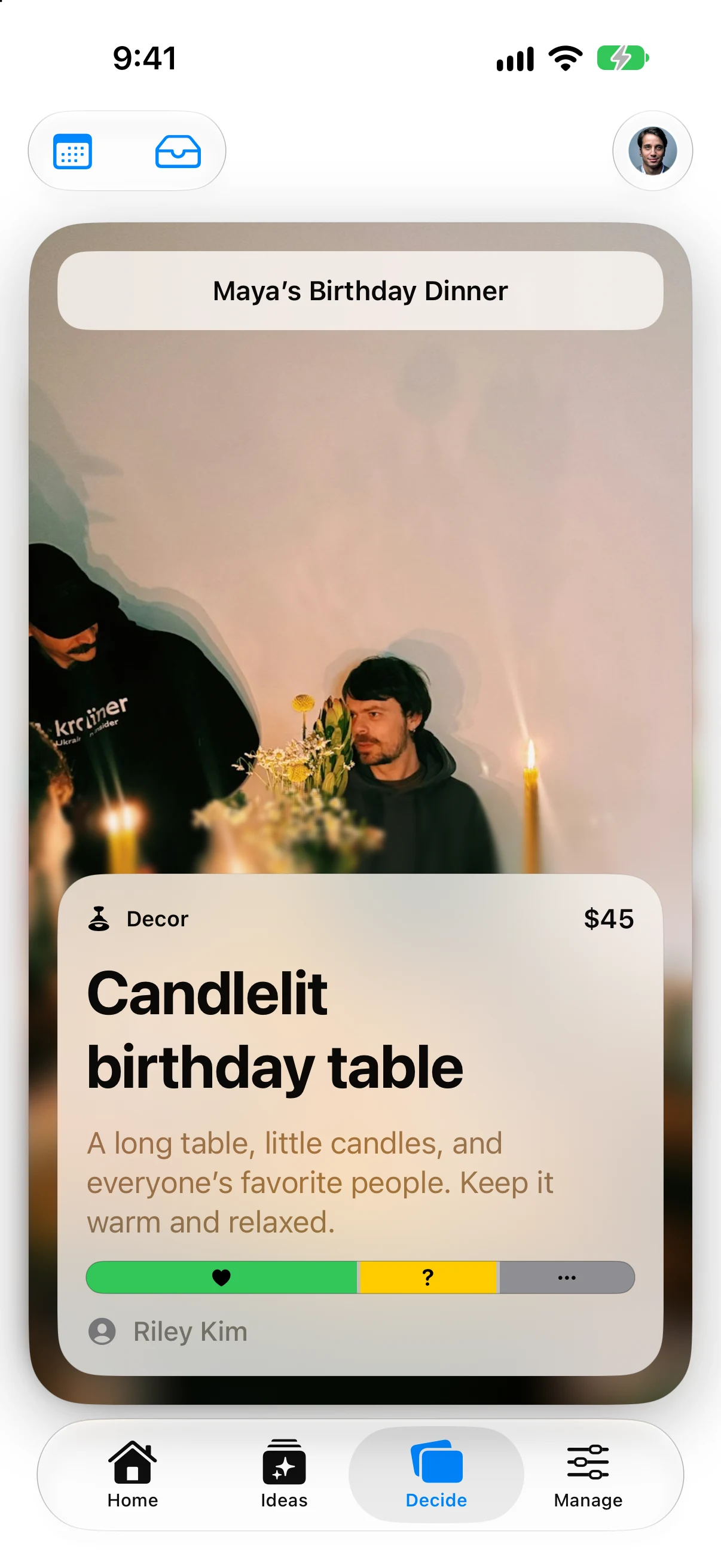
Open Decide to work through ideas, or open an idea’s details to see the team’s input and your response controls.
Choose your response
- Love It: you support the idea.
- Maybe: you are unsure or need more information.
- Pass: it is not your preference.
Swipe through the Decide cards or use the response buttons. You can revisit an idea’s details to update your input.
Passing does not delete the idea for anyone else. Loving it does not approve it, book a venue, buy an item, or put an event on the schedule by itself.
Read the horizontal bar
The segments represent the team’s responses:
| Segment | Meaning |
|---|---|
| Green | Love It |
| Yellow | Maybe |
| Red | Pass |
| Gray | No response yet |
The bar is based on eligible planners for that event—not every guest in the workspace. A new eligible collaborator adds unanswered input until they respond. Existing responses remain intact.
For example, if one of two eligible planners loves an idea and the other has not answered, the bar is half green and half gray. It is not unanimous approval. Refresh shared data when you need the latest membership and responses; an offline device may still have an older view.
Make approval explicit
Use the idea’s approval control when an authorized planner is ready to make the choice part of the plan. You do not need to interpret the bar as an automatic rule, and a majority response does not approve the idea on its own.
Discuss uncertainty before committing. A yellow or gray segment can be a useful prompt for a conversation, not an obstacle to clear away.
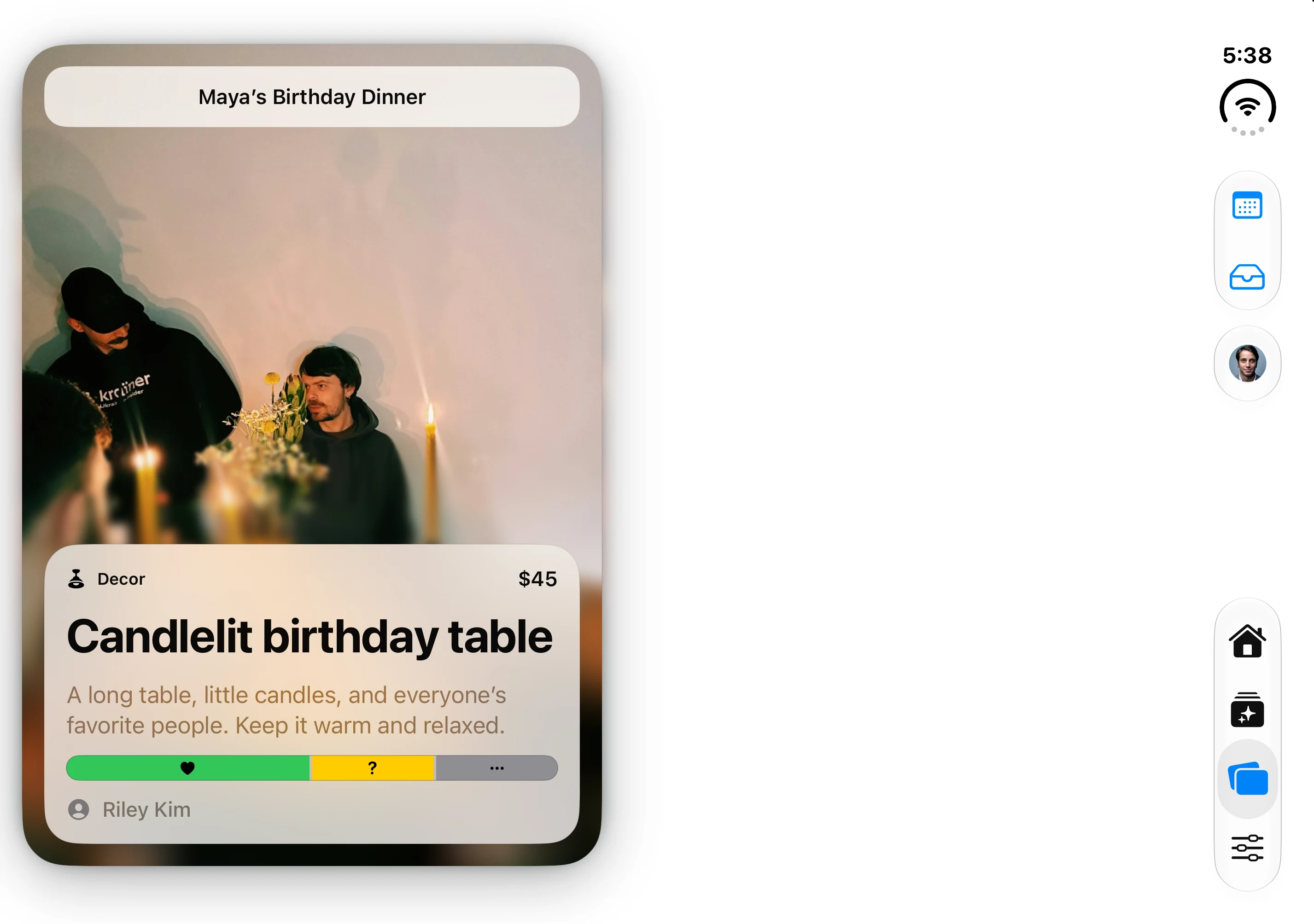
The native app’s fictional Maya’s Birthday Dinner fixture; the decision card and responses are demonstration data.
Know what appears on Home
An approved Event idea with a date can appear as a sub-event on Home. Without a date, it stays in Ideas until it is scheduled.
Other categories remain planning details rather than becoming event cards. Review their invitation visibility separately if you want guests to see them.
Keep responses and RSVPs separate
Decide answers, “What do we think of this idea?” RSVP answers, “Will this person attend this event?” A collaborator can love a dinner idea and still be unable to attend. Use Who’s Coming for attendance, not the response bar.